Cost centers
A cost center is an accounting line, such as CC-100 Payments. Rules map
work to a line: a repository, or a ticket prefix. Spend then reports
against the product or project it paid for, which is the number finance cannot
get from anywhere else.
Spend is allocated by what it bought, not by who spent it. A person is
often on several teams, so “who pays for Priya” has no single answer. “Which
line owns acme/payments-api” does.
Create a cost center
Section titled “Create a cost center”In Settings → Cost centers, press Add a cost center.
| Field | What to put |
|---|---|
| Code | The key your ledger joins on, such as CC-100. Case does not matter. |
| Name | What people call it. |
| Owner | Who to ask when this line runs hot. |
| Monthly plan | What you expect it to spend in a calendar month. Optional. |
| Warn at | The percentage of the plan worth raising. Defaults to 80. |
| Accepts stamps | Whether a client may name this line itself. |
Write the rules
Section titled “Write the rules”Press Add a rule. A rule has three parts:
- Matches: Repository or Ticket.
- Pattern: what to match.
- Cost center: the line that gets the spend.
Rules are read top to bottom and the first match wins. Use the carets in the Order column to move one.
| Matches | Pattern | Cost center | Claims |
|---|---|---|---|
| Ticket | PAY-* |
CC-100 Payments | Any work on a PAY- ticket, in any repository |
| Repository | acme/payments-* |
CC-100 Payments | acme/payments-api, acme/payments-web |
| Repository | acme/* |
CC-900 Engineering | Everything else in the organization |
How a pattern matches
Section titled “How a pattern matches”*stands for any run of characters, including none, and it crosses a slash. There is no?, no**, and no character classes.- The whole value must match.
payments-*does not matchacme/payments-api. Writeacme/payments-*or*payments*. - Case does not matter.
- A repository is always written
owner/repo, never a URL. - A lone
*is allowed, as a catch-all. Put it last.
The rule list marks a rule never matches when an earlier rule of the same kind already claims everything it could.
Ticket rules are how you split a monorepo
Section titled “Ticket rules are how you split a monorepo”With one repository, repository rules give you one cost center. Ticket rules fix
that, and they need no tracker integration: a branch named
feat/PAY-1183-refunds is attributed to ticket PAY-1183 from its name alone.
Put ticket rules above repository rules.
Check a rule before you trust it
Section titled “Check a rule before you trust it”Press Check a rule, type a repository or a ticket key, and Panorama tells you which rule claims it, or that none does. It uses the same resolver that allocates real spend, so the answer is what would actually happen.
Let a client name its own line
Section titled “Let a client name its own line”Some spend cannot be described by a pattern: a pipeline that builds one product from a shared repository, or a contractor billing an engagement. Those clients can send a header:
x-panorama-cost-center: CC-100A stamp overrides the rules for that request. Two protections:
- Set Accepts stamps to Refused on any line where accuracy matters more than coverage. Only a rule can then place work there.
- A stamp naming no line never fails the request. It falls through to the rules, and the code that was sent is listed on Analytics → Attention, so a deployment full of misspelt stamps is visible.
Reports show stamped spend separately from rule-derived spend, because one is a claim and the other is a measurement.
Read the report
Section titled “Read the report”Analytics → Cost centers shows spend per line against its plan.
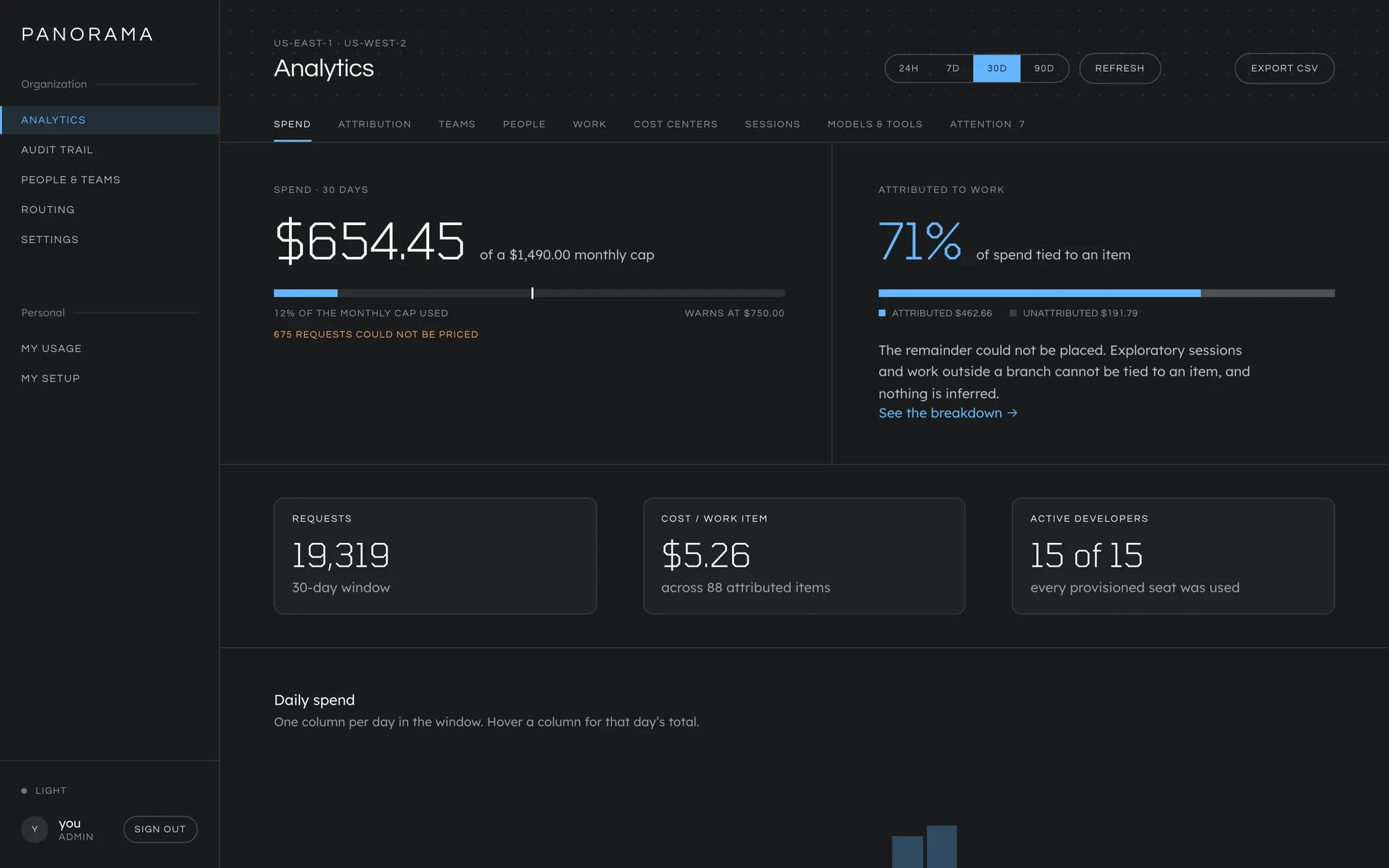
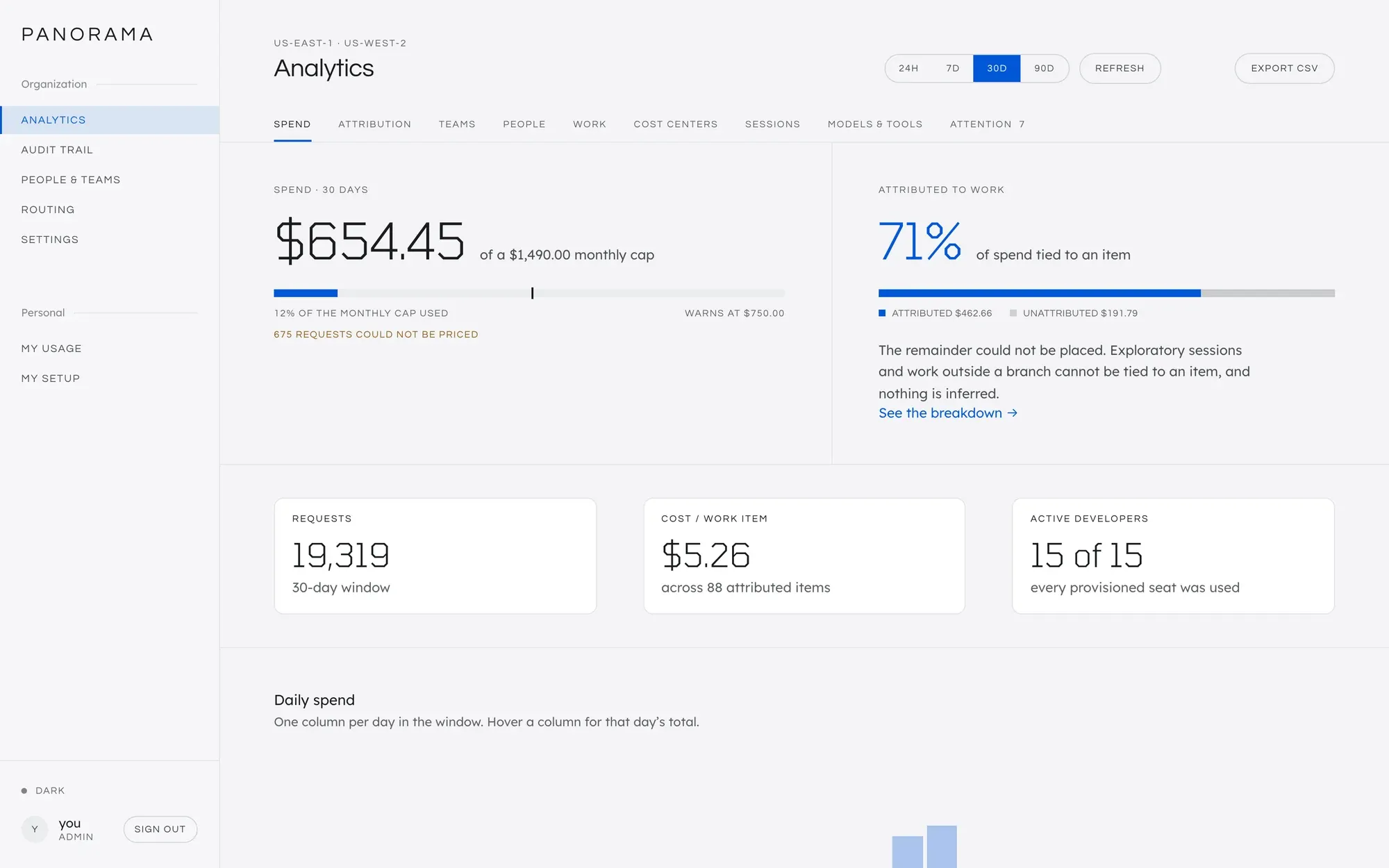
Spend no rule claims is unallocated, and it is never folded into a team or
a default line. Each repository with real spend and no rule appears on
Analytics → Attention as “<repository> is allocated to no cost center”, with an
Add a rule button. Working through that list is how the rules get written.
Changing the rules restates history
Section titled “Changing the rules restates history”When you add, change or reorder a rule, every period is recalculated, closed months included. A repository that was filed wrongly in October was wrong in October, and the report now says so. Tell finance before changing rules after a period has been reported.
Retire a cost center
Section titled “Retire a cost center”Set Status to Archived. An archived line is hidden from pickers and takes no new rules, and its existing rules keep matching, so its history stays where it is.
Deleting a line that has recorded spend is refused.
Why it works this way
Section titled “Why it works this way”Design decisions covers why there is no fallback to the spender’s team, and why a cost center cannot block.
This manual is licensed underCC BY 4.0. Code samples in it are part of Panorama, licensed under theGNU AGPL v3.0 only.